

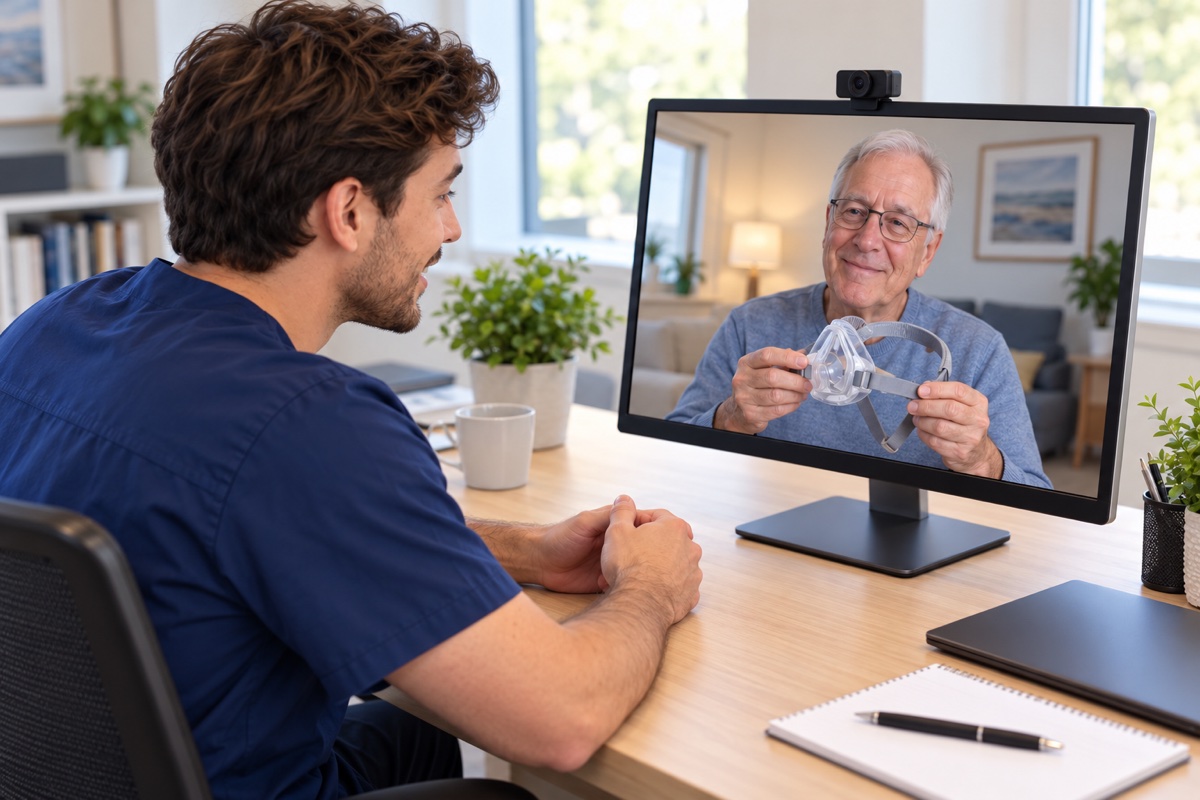
Virtual Setups
Your PAP setup, from home.
Meet with a Medigy clinical setup tech from the place you feel comfortable. We’ll help you get familiar with your device and mask, one step at a time.
Stay in your own space
Learn where you’ll actually use your device. You can settle in at home and keep everything you need within reach.
Connect without a download
There’s no app or software to install. Our team helps you connect to your virtual setup visit.
Talk with your setup tech
Get personal guidance from your clinical setup tech. Ask questions and follow along with your own device and mask.
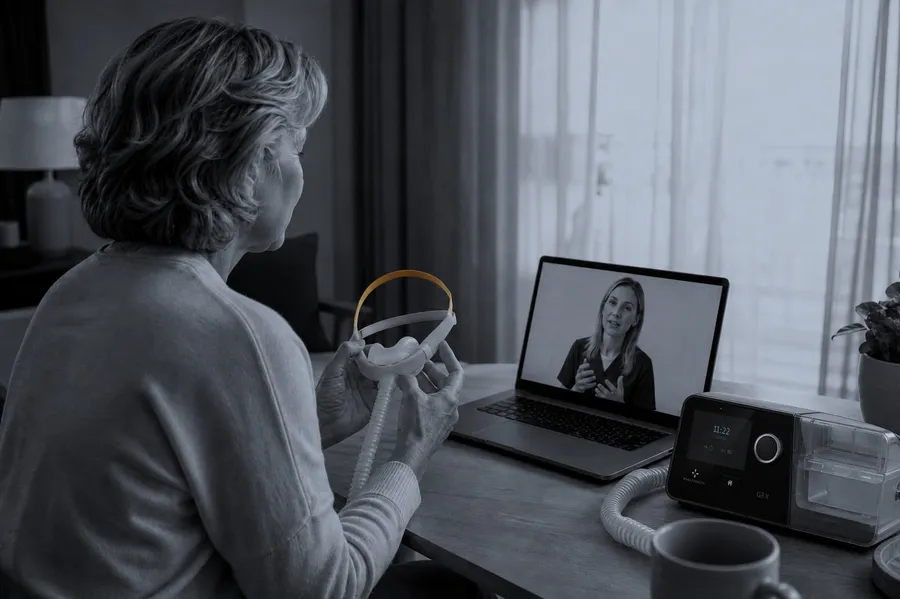
Personal guidance
Your device in front of you. Your tech there to help.
A virtual visit gives you time with someone who can explain your setup and answer your questions. Follow along at home as your tech walks you through using your device and getting familiar with your mask.
You can show your tech what you’re seeing, ask them to repeat a step, and talk through anything that feels unfamiliar.
Ask about a virtual setupGetting ready
A few simple steps to your visit.
Arrange your setup
Contact Medigy about a virtual setup. Our team will help coordinate your appointment and explain how to join.
Have your device nearby
Choose a comfortable spot and have your PAP device, mask, and tubing ready so you can follow along.
Connect with your tech
Join your visit and bring your questions. Your clinical setup tech will guide you through the session.
Let’s help you get comfortable with therapy.
Send us a message about a virtual setup. We’ll help you with the next step.