

Sources checked October 18, 2026
Follow the setup demonstration
Use the ResMed setup video below alongside the user guide for your model. Confirm the power, tubing, mask, and water-chamber connections before starting therapy.
Find your comfort options
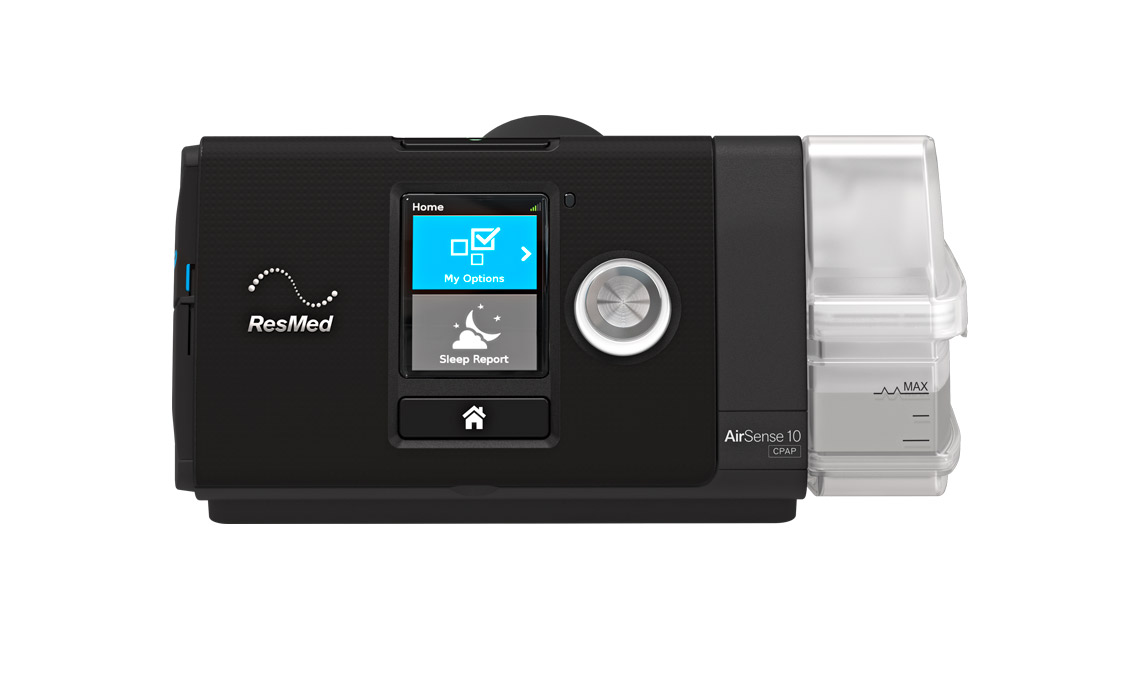
Rotate the dial to highlight My Options, then press the dial to select it. The options you see depend on your setup. Review humidity and ramp instructions rather than changing prescribed treatment settings.
Keep care instructions nearby
- Follow the device guide for cleaning the chamber and tubing.
- Use your mask's own cleaning instructions.
- Ask Medigy about a damaged component or a persistent device problem.
Manuals and support
The ResMed page linked below includes how-to videos and a Documents center. Select the support page matching AirSense 10 CPAP or AutoSet.
Watch the manufacturer guide
Use videos that match your exact device or mask. Follow the instructions supplied with your device and mask.
AirSense 10: how to set up and use your device
Video by ResMed. YouTube loads when you press play.
Watch on YouTube (opens a new tab)Sources & manufacturer resources
General education from Medigy. This guide does not replace your clinician’s advice or the instructions for your device and mask. Ask your clinician before changing prescribed therapy settings.